Bring inventory, purchasing, sales, and operational records into a system that matches how your business works. We help evaluate, configure, and connect suitable tools without assuming every team needs a large ERP rollout.
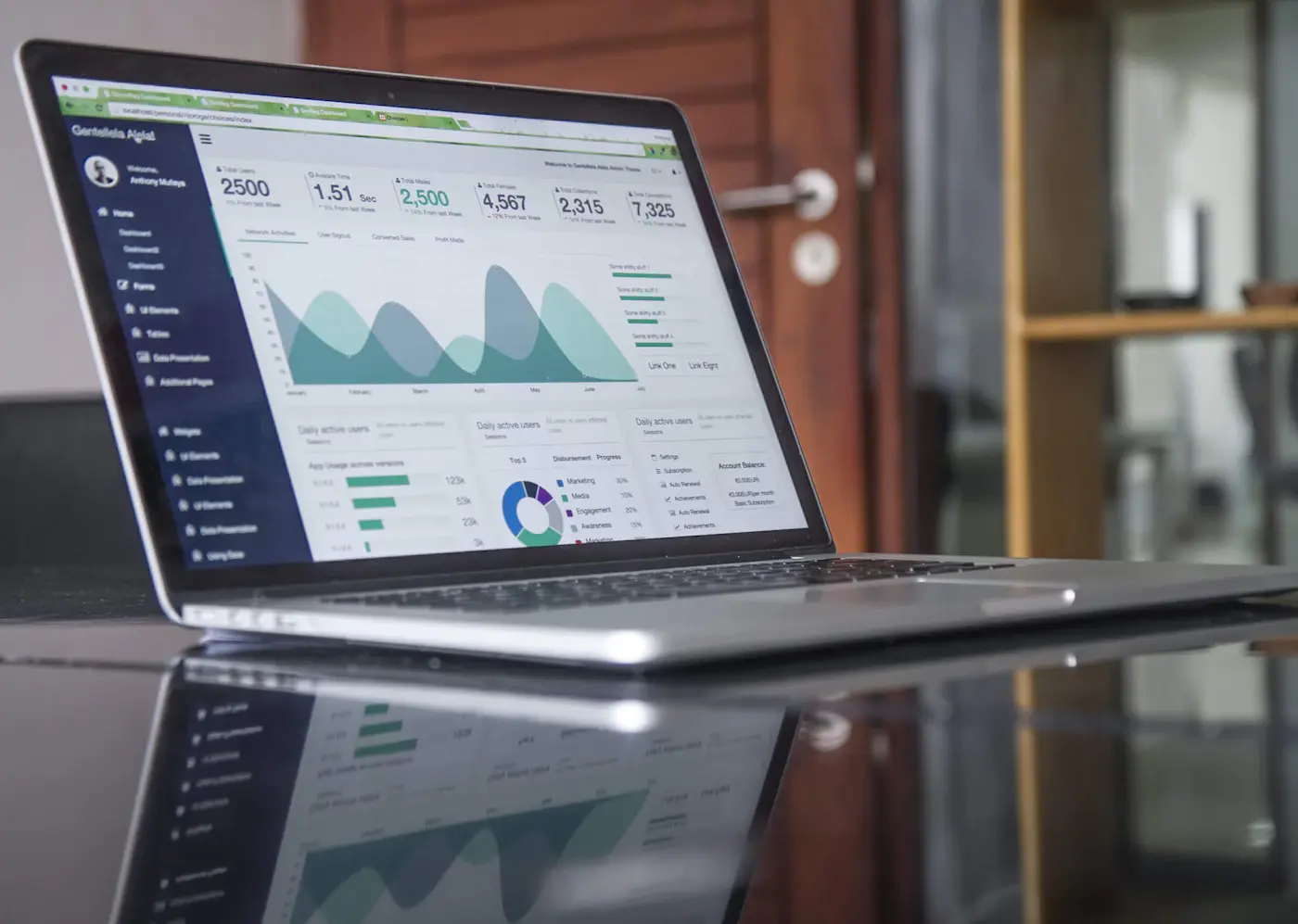
An illustrative view of the work behind erp & inventory
The problem behind the brief
System changes affect the whole operation
Inventory and ERP projects touch purchasing, sales, fulfillment, and finance. If the underlying records or process ownership are unclear, a new system can reproduce old inconsistencies at greater scale.
01
Reconciling duplicate or inconsistent item records
02
Agreeing on who owns each operational step
03
Planning migration and cutover around active work
04
Helping staff adapt to changed workflows
What you are really looking for
What operators need from an inventory or ERP project
A system has to reflect how goods and work move through the business. That means understanding purchasing, receiving, stock adjustments, sales, fulfillment, and who is accountable for each record.
01
Where do stock counts and system quantities diverge today?
02
How are products, locations, suppliers, and units of measure represented?
03
Which existing POS, accounting, or ordering tools must remain connected?
04
How can a rollout happen without interrupting active orders and receiving?
What the work can include
A rollout that respects the daily operation
A project is shaped around the parts that matter to your business. We define the deliverables and responsibilities together before work begins.
01
Map stock and order flows
A review of current operational steps
02
Clean core records
Tool selection or configuration support
03
Configure and connect in stages
Inventory and order workflow setup
04
Train users and plan cutover
Staff handoff and process notes
The details that make it work
What a workable ERP rollout needs
We bring these service-specific considerations into planning and review, so important trade-offs are discussed before they become expensive changes.
Current process maps and prioritized requirements
Clean item, supplier, and location data
A staged configuration and migration plan
Role-based training and a fallback plan for cutover
A considered approach
Start with item data and operational handoffs, not a software demo
We identify the records and handoffs that matter most, then configure the system in manageable stages so the team can review it before wider adoption.

 ERP & Inventory · 0202
 ERP & Inventory · 0303
 ERP & Inventory · 0404